According to a recent study, companies are incurring an additional 7% in yearly costs to deliver employee benefits, without a proportional increase in the value of those benefits.
The implications? Organizations are looking for ways to manage their benefits costs (keep them constant) while still delivering premium perks for their teams.
And this is where employee benefits administration software comes into play. It can help you monitor benefit utilization rates to determine which perks your employees find most useful, so you can prioritize them.
In this article, we’ll discuss why benefits administration software matters, its core functions, and how to choose the right one for your company.
TL;DR - 6 Best Benefits Administration Software
The benefits administration software you pick influences how you onboard employees and how they access and utilize the perks.
The best benefits administration software in the market includes:
- Rippling
- GoCo
- Deel
- Benepass
- Gusto
- TriNet Zenefits
We will dive deeper into the benefits these software companies offer below, their pros and cons, and which software is best suited to your company.

What is Benefits Administration Software?
Benefits administration software is any system, platform, or technology that helps you manage your employees' benefits packages. Most tools simplify benefits administration by automating repetitive tasks and centralizing vital processes.
Some of the functions that a benefits administration software can help your organization with include:
- Counterchecking your employees’ eligibility
- Employee enrollment
- Tracking your employees’ utilization of benefits
- Communicating changes to your benefits program
- Ensuring compliance with federal and state mandates
- Reconciling your premium payments and vendor costs
A benefits administration software replaces paper forms, reducing your HR team’s workload.

Why Organizations Need Benefits Administration Software
Benefits administration software is a time-saving and cost-saving tool that turns your most error-prone tasks into repeatable processes that you can easily audit.
Some other key advantages of having such a software system include:
- Reduced Administrative Burden: Data entry and reporting are some of the most time-consuming tasks. Benefits administration software automates these tasks, so your HR team can focus on core business strategies.
- Seamless Enrollment: Administrative software can streamline the enrollment process by providing your employees with guided enrollment tutorials. It can also help create better targeted enrollment campaigns, thereby contributing to higher employee participation rates.
- Built-in Compliance Features: Human error can be a significant obstacle to legal compliance. Benefits administration software helps ensure compliance by tracking laws such as the ACA, HIPAA, and COBRA. It can also provide real-time updates to statutes such as ERISA, thereby minimizing legal risks to your organization.
- Self-service Options: Employees can view the available plans, determine which they are eligible for, and self-enroll in programs that align with their lifestyle goals.
- Benefits Utilization Analytics: Administrative software enables you to collect data on plan uptake, employees' preferences, and cost drivers. This allows you to make better adjustments during reviews and gives you an edge in vendor negotiations.

Core Functions of Benefits Administration Platforms
The primary functions of benefits administration platforms include automating and managing processes, streamlining communications, and facilitating integration.
Here’s a more detailed breakdown of those functions:
- Automated Enrollment: The right administration software should automatically determine your employees' eligibility for different benefit packages based on factors such as age or employment status (for example, full-time or part-time).
- Document Management: Go for platforms that provide secure document storage, especially when handling confidential information, such as your employees' personal medical records.
- Clear Communication: The best-fit benefits administration software centralizes all benefits-related communication, ensuring employees receive timely notifications about benefit plans, their eligibility, and enrollment deadlines.
- Payroll Integration: Pick a benefits administration software that can automatically synchronize your employees' data with their benefit plan selections. This ensures accurate and timely deductions, so they never miss out on their benefits.
- Compliance Tracking: A good administration software should help you stay compliant with federal and state regulations by automating repetitive tasks, such as tracking your employees' hours for ACA eligibility. They also centralize benefits data, allowing you to generate accurate reports.

Top 6 Benefits Administration Tools
Finding the appropriate benefits administration tools to meet your specific needs can be challenging, given the numerous options available.
However, even as you compare the options, it is important to note that benefits administration in the 21st century goes beyond just matching your employees’ 401(k) contributions. Today’s employees want experiential benefits that support their work-life balance. Also, members need motivation through incentives to enroll in the benefits program.
This poses a different challenge that cannot be addressed using traditional benefits administration tools.
At SoHookd, we provide a comprehensive tool for delivering and managing experiential employee benefits for your team. benefits
We offer direct procurement and also often partner with wellness brokers to customize experiential wellness product packages for clients.
Our tool is available to clients at no cost when companies partner with us to provide corporate wellness products to their teams. It helps you onboard employees into wellness challenges and track participation. Additionally, employees can access our wellness marketplace to redeem gifts that support their lifestyle goals.
Also, we do not tie you down with contracts or PEPM access fees, making our partnership procurement-friendly.
Other core features include:
- The only wellness-focused incentives marketplace
- Custom marketing assets for every program
- Accessibility across multiple devices makes it suitable for both desk-based and remote teams.
- Procurement-friendly without contracts or PEPM access fees.
Schedule a live demo to discover how our wellness engagement platform can enhance your internal resources and help you manage your wellness programs more effectively.
Now, let’s explore the top benefits administration tools:
1. Rippling
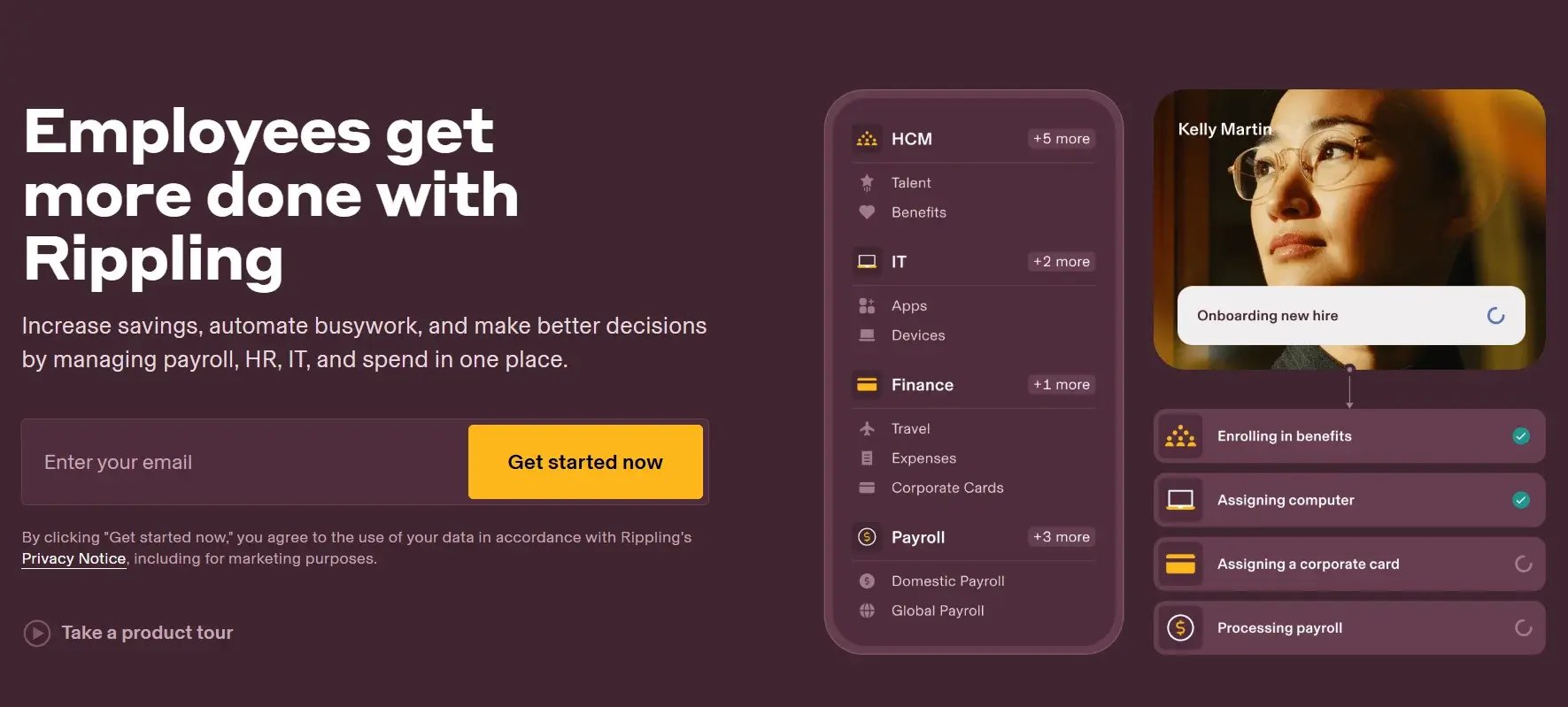
Rippling is a cloud-based platform that enables businesses to manage HR, payroll, finance, and benefits through a single integrated platform.
The platform's key selling point is its ability to automate complex tasks.
Features:
- Supports payroll integrations
- Automated compliance and reporting
- Customizable benefit-enrollment reminders
Pros:
- Highly developed automation capabilities
- Integrates with multiple HR platforms
Cons:
- Has a steep learning curve that requires additional vendor support
- The platform can be pricey for small businesses
Pricing:
- Case-by-case basis
2. GoCo
GoCo is a platform that targets small and growing companies by providing user-friendly and intuitive HR software solutions. The platform's primary selling point is its simple system that integrates seamlessly with standard HRIS tools.
Features:
- Supports employee self‐service enrollment
- Automated payroll deductions
- Employees can unlock benefits based on life changes (marriage, children, or workplace injuries)
Pros:
- User-friendly interface that makes enrollment easy
- Affordable plans for small businesses.
Cons:
- Lacks enterprise-grade analytics and reporting tools
- Lacks robust global payroll support
- Complex to customize
Pricing:
- Not disclosed—you must first book a demo
3. Deel
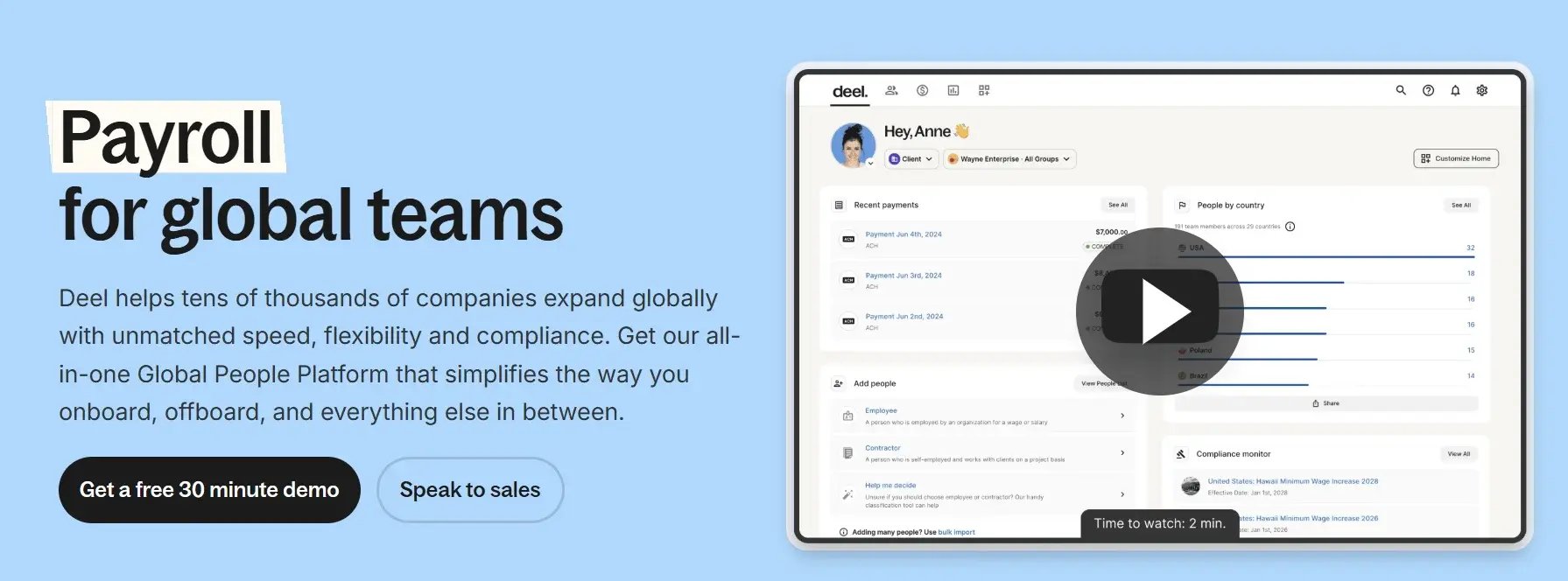
Deel is a platform that focuses on hiring, paying, and managing international and remote workers, including contractors. It helps businesses manage a distributed workforce while also providing localized benefit plans.
Features:
- You can set up plans and benefits tiers based on workforce demographics
- Eligibility and cancellation changes are automatically synced to the payroll
- Supports global reporting for companies with employees overseas
Pros:
- Strong global employee support systems
- You can localize benefits in over 150 countries
Cons:
- Pricing varies by country
- Customer support is lacklustre
- Has limited advanced features, which hamper customization
Pricing:
- Deel Payroll: $29 to $599 per employee per month
- Deel HR: $5 to $20 per employee per month
4. Benepass
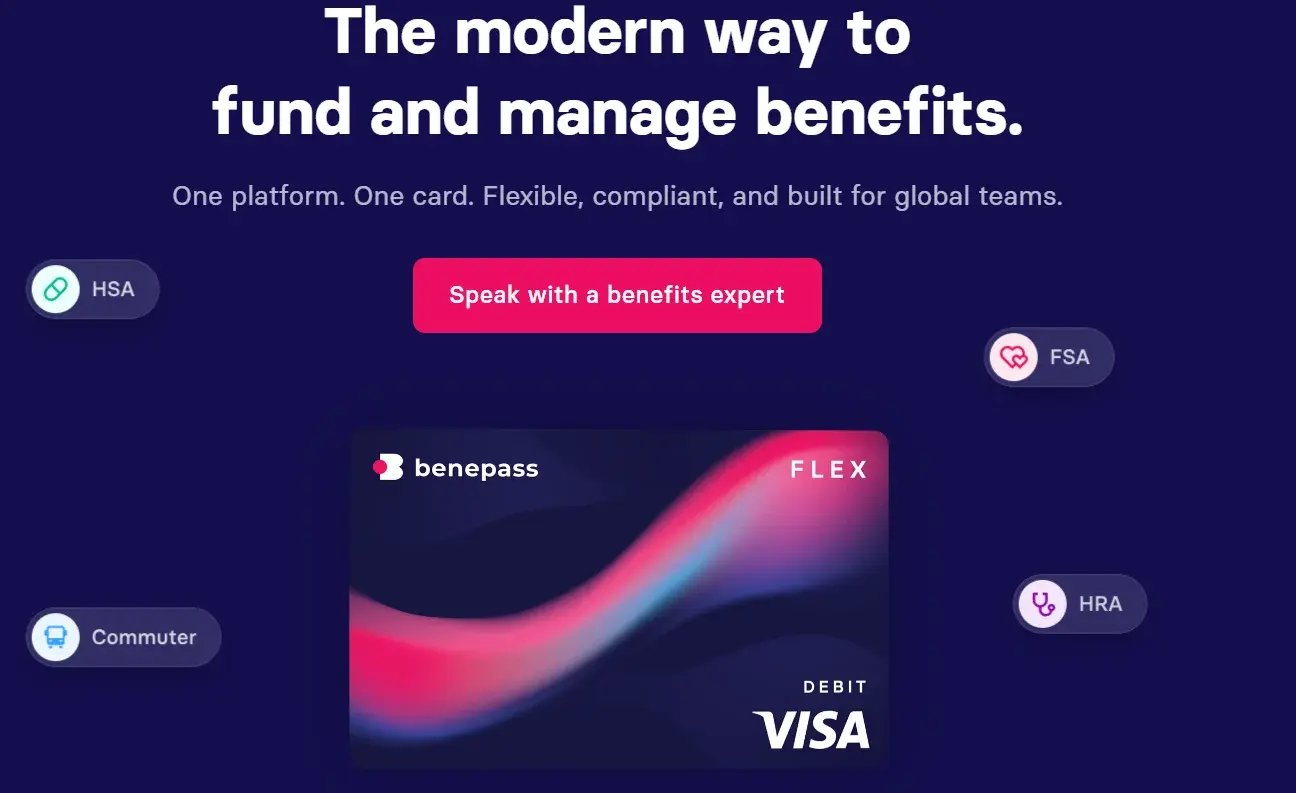
Benepass is a benefits platform focused on flexible employee benefits, such as remote work stipends and wellness spending accounts. It also offers employees support for pre-tax benefits such as HSAs and FSAs.
Features:
- Flexible benefits spending accounts
- Compliance and reporting support
- Integrates with third-party payroll and HRIS platforms
Pros:
- Supports employee-friendly perks like commuter benefits.
Cons:
- Cannot handle some benefits administration tasks
- Not widely accepted by vendors
Pricing:
- You must book a demo to receive a quotation
5. Gusto
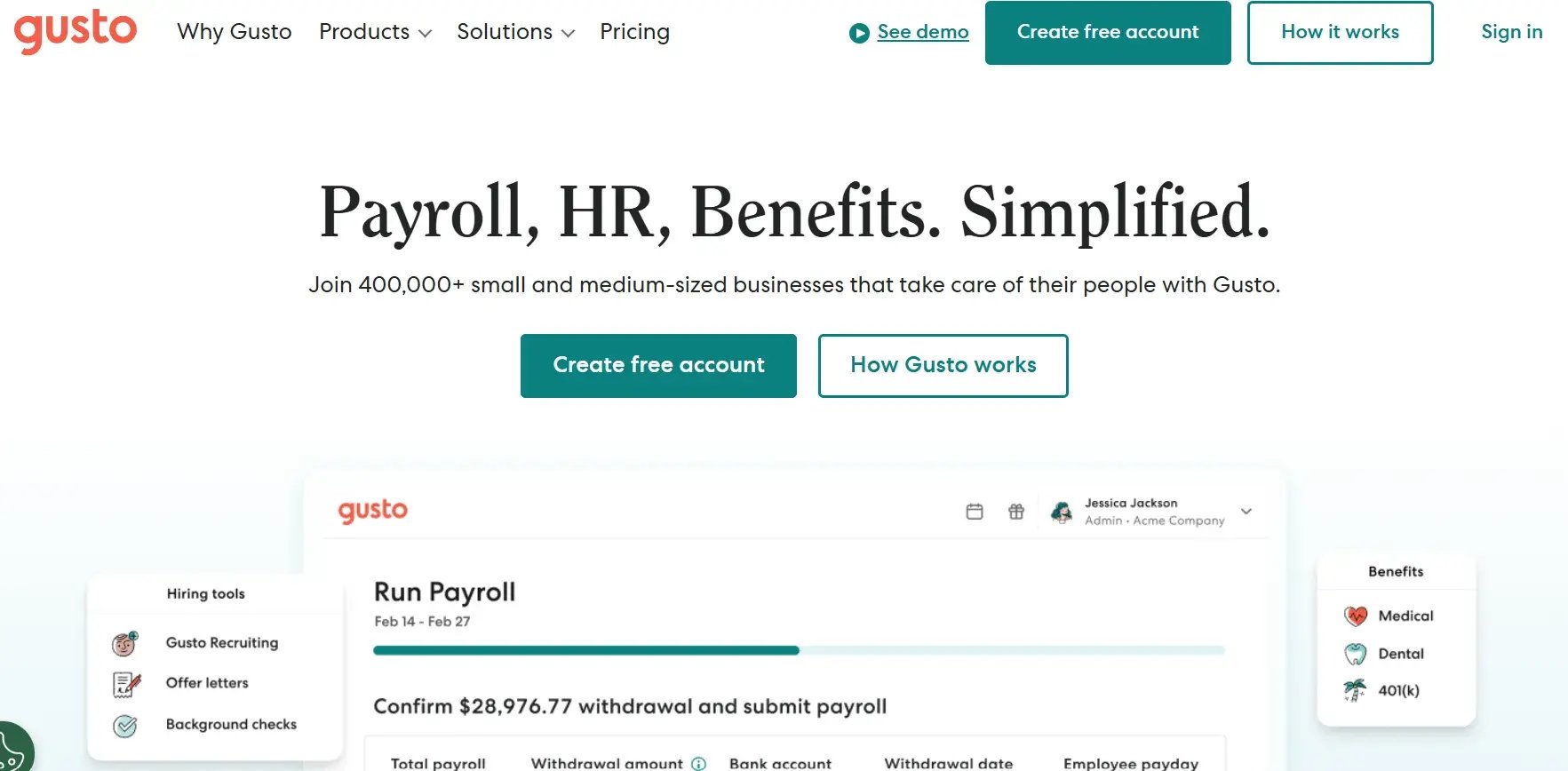
Gusto is yet another platform that offers software solutions to small and medium-sized businesses. Its primary area of focus is payroll administration.
Features:
- Employees can self-enroll in benefits programs
- Helps with ACA compliance
- User-friendly interface and intuitive workflows
Pros:
- Supports payroll integration
- Fair pricing: $3 to $11 per person per month.
Cons:
- Offers few customization options and may pose scalability concerns for growing businesses.
- Provides limited global payroll support.
Pricing:
- Simple: $49 + $6 per employee per month
- Plus: $80 + $12 per employee per month
- Premium: $180 + $22 per employee per month
6. TriNet Zenefits
TriNet Zenefits offers comprehensive HR and benefits solutions primarily for mid-market companies. Companies can also track their employee satisfaction and sentiments for insights into how to drive engagement.
Features:
- Integrates with insurance systems
- Supports employee self-service and remote access
- Easily scalable as businesses grow
Pros:
- Has an established network of brokers and vendors
- User-friendly interface that simplifies benefits management.
Cons:
- Offers limited customization options for businesses with unique needs
- Limits control over HR processes
- Receives numerous customer service complaints
Pricing:
- Users must schedule a demo to get a quotation
How to Choose the Right Benefits Administration Software for Your Organization
Choosing the right benefits administration software requires understanding your organization's and your employees' needs. Your choice also needs to be within your budget.
Below is a checklist of items to consider when comparing benefits administration platforms:
- Define Your Business Needs: First, determine the size of your workforce and their locations (domestic vs. global). Then create a comprehensive list of the employee benefits you offer, including health benefits, retirement plans, unemployment benefits, and corporate health and wellness programs.
- Outline Must-Have vs. Nice-to-Have Features: Specify the non-negotiable features the software must have, such as payroll integration, employee self-service portals, and regulatory compliance tools. Then list the additional features you would like the software to have but are not mandatory, such as advanced data analytics tools and an in-platform mobile app.
- Shortlist Vendors: Use your list of must-have features to compile a shortlist of vendors you might consider working with. Ensure the shortlist has around 4 to 7 vendors to make the selection process manageable.
- Check Compliance Certifications: Request that vendors provide documentation verifying their ability to handle compliance matters, such as ACA reporting. You should also demand security certifications, such as SOC 2, that confirm they have implemented the necessary controls to protect your employees' data and have reliable data backup and data recovery plans.
- Check Scalability and Flexibility: Evaluate the software platforms to determine whether they can support growth in employee numbers. The platform you choose should also accommodate new benefit types and expansion into new locations without disrupting operations.
- Request Demos: Ask vendors to demonstrate how their platforms will handle different scenarios. For example, new employee enrollment, changes due to qualifying life events, and running an enrollment campaign.
- Pick a Vendor: Once you evaluate the shortlist vendors, pick the one that meets your most urgent needs and provides the highest value at your price point.

Implementation Best Practices for Benefits Administration Platform
For you to seamlessly integrate a new benefits administration platform into your operational systems, it is essential to follow these best practices:
- Communication and Training: Announce your intentions to implement a new benefits administration system well in advance so your employees can prepare for the changes. Proceed to providing training to your HR, finance, IT, and other relevant departments about the platform and the implementation process.
- Test and Iterate: Coordinate with the software vendor to conduct a pilot program with a small group or department. This will allow you to identify issues early and receive feedback from your employee. Then make appropriate changes based on data gathered from the platform and employees before full roll-out of the software.
- Ensure Integration with the Existing HRIS: Confirm that the platform seamlessly integrates with your HRIS. This will ensure you can receive real-time updates to your employees' statuses, facilitate data entry and management, and reduce human errors.
- Maintain a Strong Vendor Relationship: Schedule regular check-ins (monthly or quarterly) with your software vendor. This will allow you to learn about system updates, new features, and changes to compliance regulations. It will also allow you to leverage your vendor's expertise to streamline operations.

Frequently Asked Questions (FAQs)
Below are answers to some common questions we receive from our clients:
How Much Does Benefits Administration Software Typically Cost?
The cost of benefits administration software varies based on company size, benefits offered, preferred features, and the vendor selected.
However, typical cost breakdowns include a base subscription fee and a per-employee-per-month (PEPM) fee of $5-$20.
What’s the Difference Between Benefits Administration Software and HRIS?
Benefits administration software focuses only on tasks related to benefits management, such as enrollment and compliance.
On the other hand, HRIS is a comprehensive human resources management system that handles payroll, employee records, productivity tracking, and benefits management.
Can Small Businesses Benefit From Benefits Administration Software?
Absolutely. Small businesses can gain from benefits administration software. It can help them automate tasks, track statutory compliance, and streamline communications.
It also helps reduce the workload of HR employees in small businesses, which already deal with understaffing and budgetary constraints.
How Long Does It Take to Implement Benefits Administration Software?
It can take several weeks to months to implement a benefits administration software. It depends on the complexity of your company's benefits plan and the platform's features.
Conclusion
Choosing the right benefits administration software isn’t about reducing paperwork, but improving how your employees experience their benefits, while also reducing your HR team’s workload.
What most companies miss is that traditional employee benefits administration software only gets you halfway there, underlining the need for advanced platforms that cater to the current benefits landscape.
That's where SoHookd comes in. We offer a comprehensive wellness engagement platform that includes a centralized dashboard for tracking employee wellness benefits utilization.
Additionally, SoHookd helps you address the identified wellness gaps by offering flexible programs that you can customize and launch within 2 weeks, either as standalone or complementary initiatives. All this without contracts or PEPM fees, which makes the procurement process seamless.
Empower your team with flexible, contract-free wellness benefits. Book a Wellness Strategy Call today.